
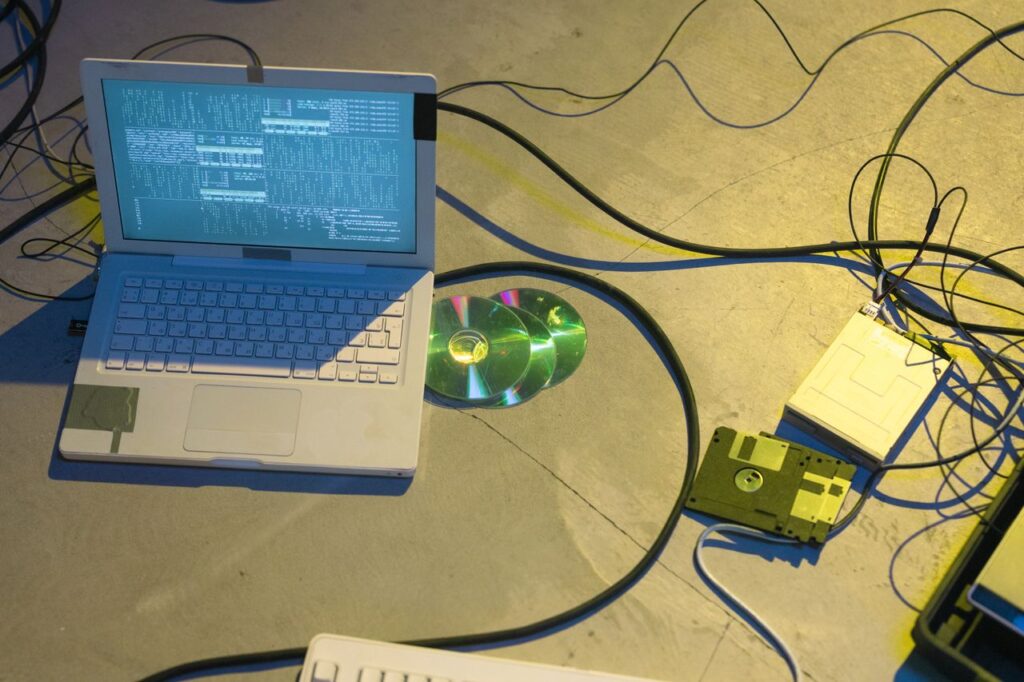
How to Build a $0 Privacy-First Personal Cloud Using an Old Laptop
Every month, millions of people quietly pay $2.99–$29.99 to Apple, Google, or Microsoft just to store their own files on someone else’s computer. That old laptop collecting dust in your closet? It’s worth more than you think.
When you upload a photo to Google Photos, it’s analyzed by ML models for ad targeting. Apple holds your iCloud encryption keys — not you. Microsoft’s OneDrive ToS grants them a broad license to use your content. It’s all in the fine print nobody reads.
The Setup
Building your own cloud sounds like a job for a systems engineer, but the open-source community has gamified the process. Both tools we’ll use are 100% free and open source.
The math is simple: 60 minutes of your time once vs. hundreds of dollars and zero privacy every year, forever.
CasaOS gives your old machine a beautiful web-based dashboard — like your own iCloud web UI — running entirely on hardware in your home. It installs with a single terminal command.
Syncthing keeps your files synced across all your devices. Files transfer peer-to-peer and are encrypted in transit — never touching a third-party server.
Execution Protocol
01. OS Installation: Download Ubuntu Server 24.04 LTS, flash it to a USB stick, boot your laptop, and install.
02. CasaOS Injection: Run curl -fsSL https://get.casaos.io | sudo bash. When done, it prints a local IP. Open that in any browser.
03. Syncthing Deployment: Inside the CasaOS dashboard, click App Store, search Syncthing, and install.
04. Device Pairing: Install the Syncthing app on each device you want to sync.
Syncthing’s relay network handles remote file sync automatically. For full dashboard access from outside your home, install Tailscale. It creates a private encrypted network between all your devices.